
Panels & batteries
Find quantities and connections for your project.
Solar system design
Enter your loads and component specifications. Size panels and batteries, compare configurations, and keep your project results in a clear report.
For desktop and mobileWindows + Android
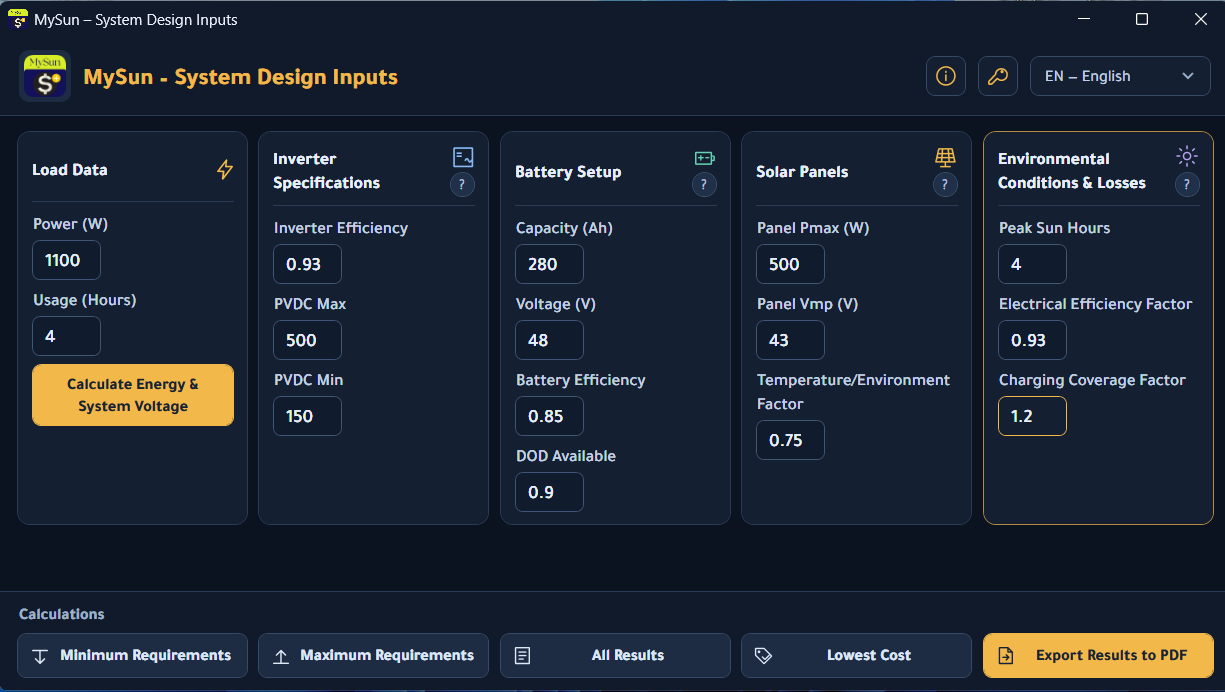
Find quantities and connections for your project.
Compare configurations within your chosen constraints.
Save inputs and results to revisit or share.
Explore MySun
From specifications to comparisons and a saved report. Explore the windows you will work with.
Bring your load, inverter, battery, panel and environmental settings together in one window.
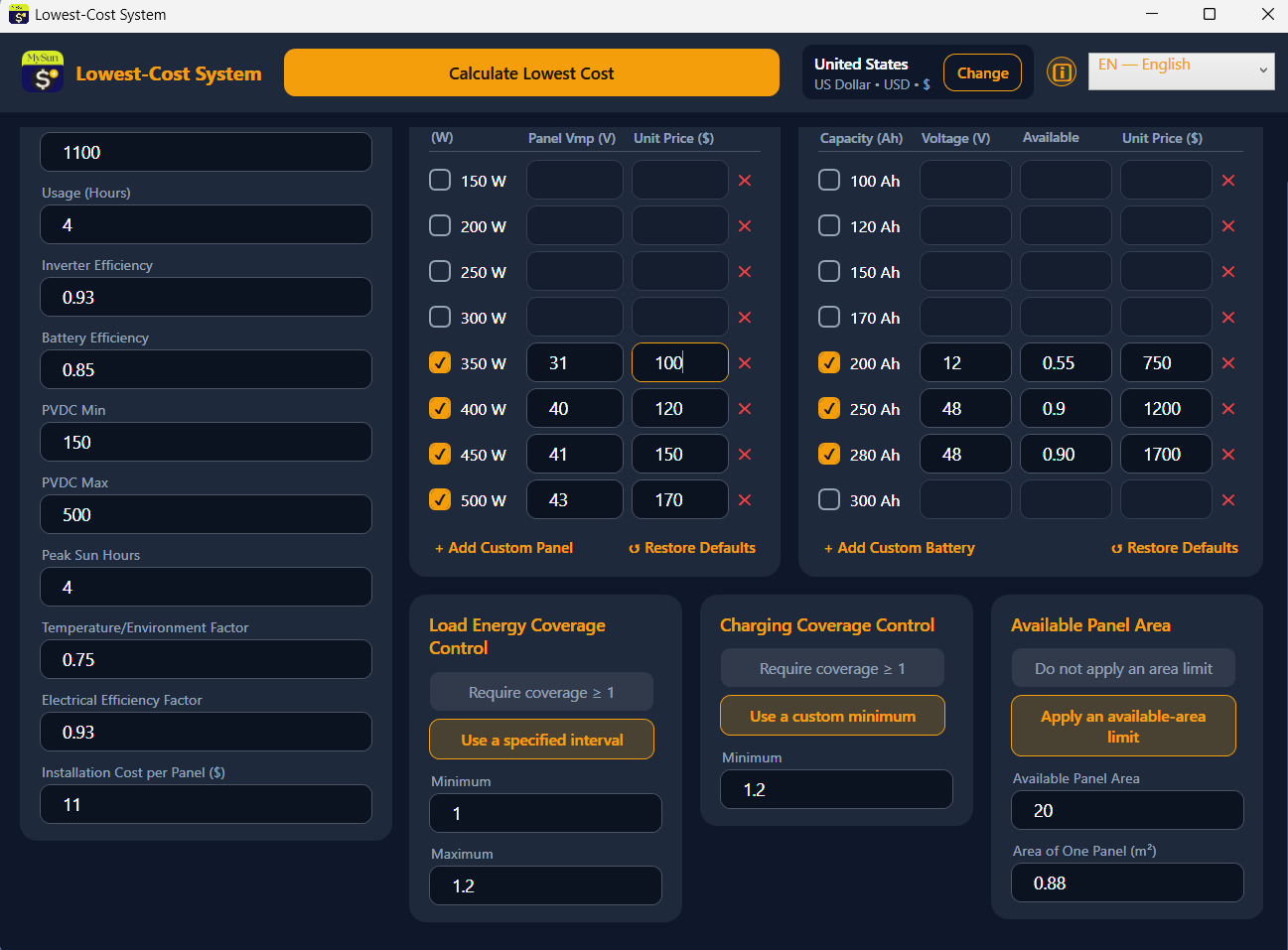
Enter component specifications and prices, then set your energy coverage, charging coverage and available area.
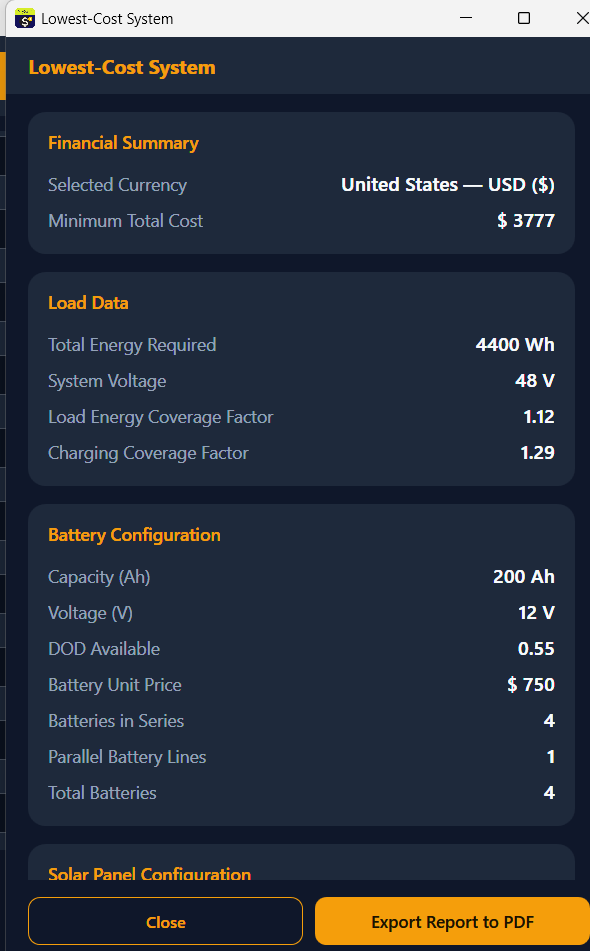
Review component counts and series/parallel connections, together with energy and charging coverage factors.
Export your inputs, constraints and results in one report to revisit later or share with your team.
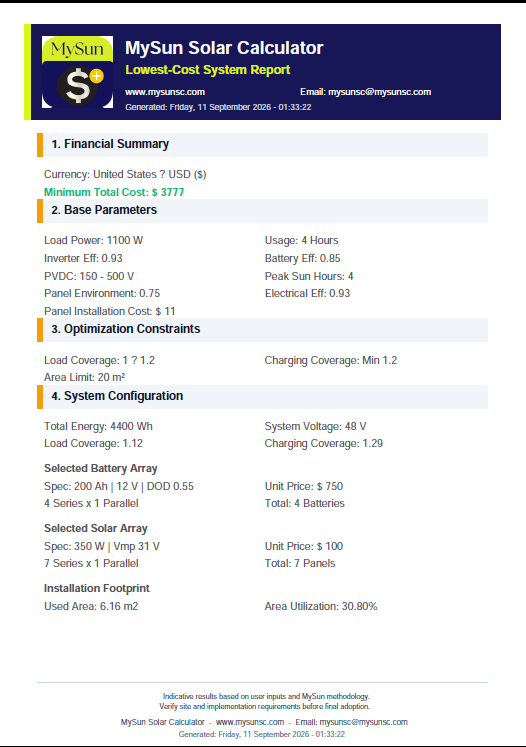
Screenshots show examples. Results depend on the inputs you provide.
Inside the lowest-cost window
Available area, load coverage and battery charging determine which configurations qualify. Explore all five tools and learn how each one works.
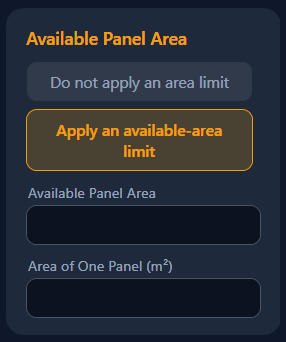
The area limit excludes configurations whose calculated panel area exceeds the space you specify.
With 20 m² available and 2 m² per panel, the area limit permits at most 10 panels. Coverage and electrical connection requirements must also be met.
This is a total panel-area check; it does not model geometric layout or spacing for shadows.
From the app — select an image to enlarge it.
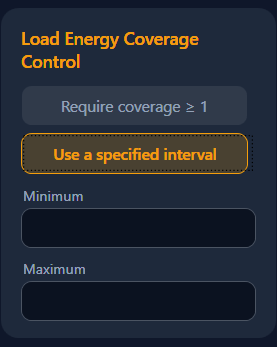
This factor compares the energy batteries deliver to the load with the energy the load needs over your entered usage hours.
Energy delivered to the load ÷ required load energy
For a 4.4 kWh load, an interval of 1 to 1.2 accepts delivered energy from 4.4 to 5.28 kWh, provided the other conditions are met.
Delivered energy in this calculation uses the battery energy available at the specified depth of discharge (DOD), then applies inverter efficiency.
From the app — select an image to enlarge it.
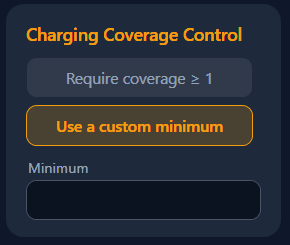
This factor compares calculated solar energy after environmental and electrical efficiency factors with battery energy available at the specified depth of discharge (DOD).
Effective solar energy ÷ available battery energy
For 5 kWh of available battery energy, a minimum factor of 1.2 requires at least 6 kWh of effective solar energy.
Energy coverage measures how well the load is supplied; charging coverage compares solar production with available battery energy.
From the app — select an image to enlarge it.
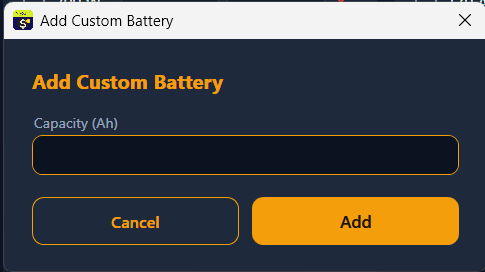
Use “Add Custom Battery” to include another capacity in the comparison, then complete its specifications in the table.
Enter DOD as a value greater than zero and at most 1: for example, 0.8 means 80%. Adding an existing capacity does not create a duplicate row.
The × button removes a row. “Restore Defaults” brings back missing default capacities while retaining custom rows and existing entries.

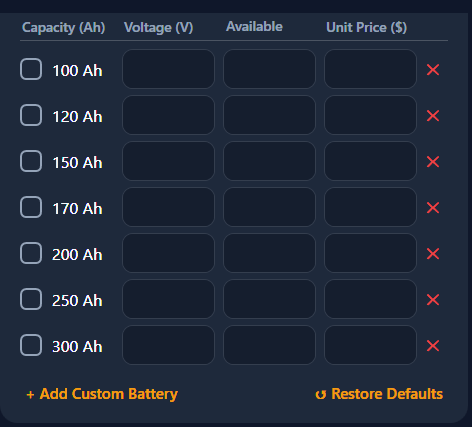
From the app — select an image to enlarge it.
Use “Add Custom Panel” to include another power rating in the comparison, then complete the panel specifications and price.
Adding an existing power rating does not create a duplicate row. Only checked rows with complete required values are compared.
The × button removes a row. “Restore Defaults” brings back missing default ratings while retaining custom rows and existing entries.

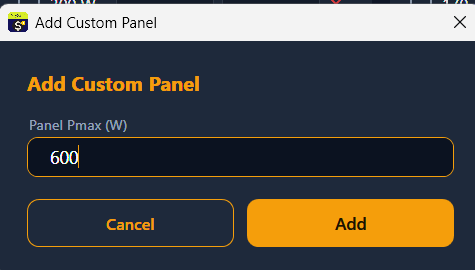
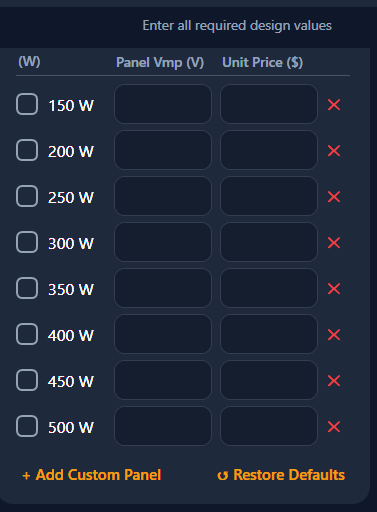
From the app — select an image to enlarge it.
Getting started
Set your load, usage hours and component specifications.
Compare minimum and maximum results, or use lowest cost in supported editions.
Export a PDF with the inputs and results you want to keep.
MySun editions
Start with system sizing in BASIC. Add cost comparison or custom component types to suit your work.
Calculate system components and review the results.
DownloadFind the lowest cost using the listed component types.
DownloadAdd panels and batteries to match the options available to you.
Download| Feature | BASIC | S | S+ |
|---|---|---|---|
| Panel and battery sizing | Included | Included | Included |
| Results and PDF export | Included | Included | Included |
| Lowest-cost calculation | Not included | Included | Included |
| Area, energy and charging controls | Not included | Included | Included |
| Add panel and battery types | Not included | Not included | Included |
S was previously Premium; S+ was Ultimate.
Downloads
Choose your operating system, then the edition that fits your work.
Desktop editions
Currently available Windows installers. The interface may vary with the installed release.
Mobile edition
The Android APK includes lowest-cost calculation and custom panel and battery types.
The app supports Arabic, English, French and Russian
Download Android APKFor help with activation or choosing an edition, contact us.
Help choosing an editionQuick help
BASIC provides system sizing and results. S adds lowest-cost calculation using the listed component types. S+ also lets you add other panel and battery types.
Prepare your load power and usage hours, inverter, battery and panel specifications, peak sun hours and environmental factors. For cost comparison, also enter component prices and the required constraints.
Yes. Export your inputs and results as a PDF. The report shows the selected data and its creation date.
Write to the support address below with your operating system, edition and any error message you see.